


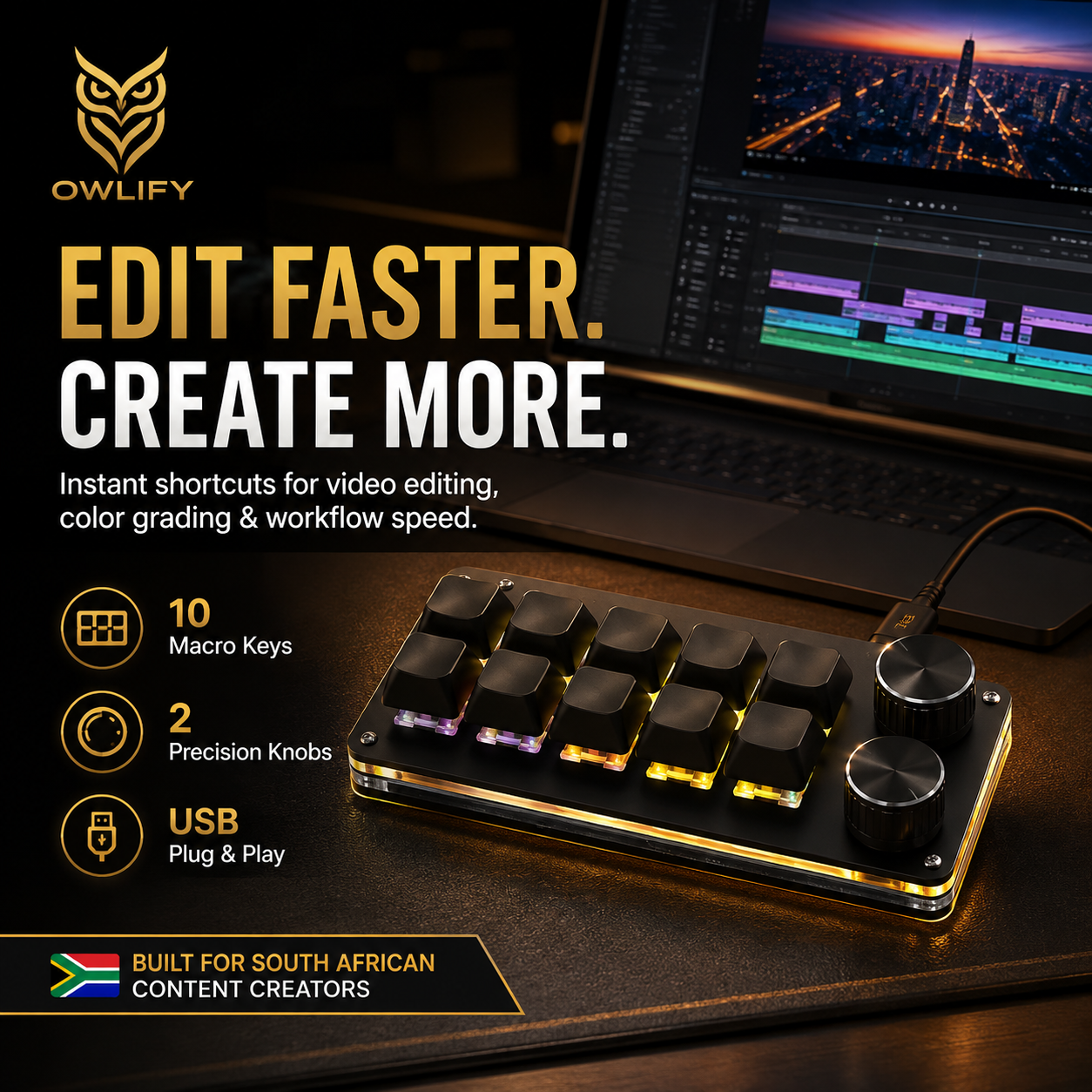

EDIT FASTER.
CREATE MORE.
A compact 10-key mechanical macro keyboard with two control knobs designed to put your most-used shortcuts, commands and workflows within instant reach.

SMALL KEYBOARD. BIG CONTROL.
Keep your full keyboard for typing and place your favourite creator commands on a dedicated control deck. Less hunting through menus. More time creating.
10-Key Macro Layout
Ten dedicated keys give you quick access to frequently used shortcuts and programmed commands.
2 Control Knobs
Two rotary controls create another layer of fast, tactile interaction for supported custom functions.
USB Powered
No internal battery to charge. Connect the keyboard to a supported USB power source and get to work.
Mechanical Feel
Mechanical key operation gives each shortcut a deliberate, tactile press that feels satisfying during rapid workflows.
Ambidextrous Setup
Position the compact keyboard wherever it suits your workflow, whether you're working left-handed or right-handed.
Minimal Footprint
Designed to add powerful shortcut control without swallowing valuable desk space.

ONE CLICK. BIG WORKFLOW.
Macro programming allows supported commands and shortcut sequences to be assigned to dedicated controls so complex repetitive actions can be triggered faster.
ONE PRESS. YOUR COMMAND.
Turn frequently repeated workflow actions into convenient programmable shortcuts and spend less time clicking through menus.

YOUR CREATIVE SIDEKICK.
Build a compact shortcut station around the commands you use most. Ideal for creator desks where speed, convenience and space all matter.

PLUG IN. GET TO WORK.
No battery management and no charging routine. The keyboard runs from USB power so it can stay ready as part of your creator setup.
USB Powered. No Battery.
Designed for wired USB operation with an operating voltage of ≤36V. Simply connect to a compatible USB source and power your shortcut workflow.
CONTROL IT YOUR WAY.
The compact layout can be positioned wherever it works best in your setup.

PRODUCT SPECIFICATIONS
Compact hardware. Focused control.
Available macro functions, shortcut behaviour and programming methods may depend on the connected device, operating system and software used with the keyboard.
⚡ Power Note:
This model does not contain an internal battery and requires a compatible USB connection for power.
EDIT FASTER. CREATE MORE.
Ten programmable keys. Two tactile controls. One compact command centre built to put your favourite creator shortcuts within reach.


